Offroader V5 Unblocked — Play Free Online
More Trucks & Hill Driving games


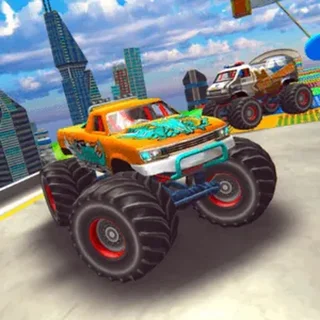







Offroader V5 unblocked: play Offroader V5 online free right here in your browser — no download, no sign-up, works on a school Chromebook.
Offroader V5 delivers straightforward vehicle driving across uneven terrain, where managing balance and throttle control is the key to every run. Unlike linear track racers, the challenge comes from wrestling heavy vehicles across rough ground, steep inclines, and sudden drops without flipping your ride upside down.
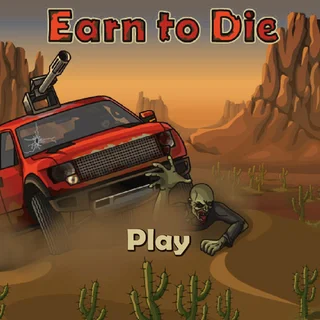
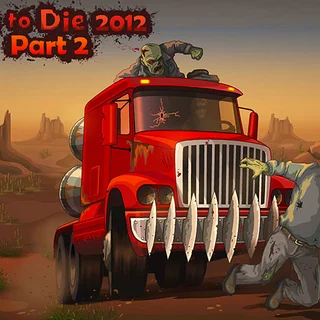
For players visiting Earn to Die who enjoy physics-driven vehicle control, Offroader V5 offers a similar satisfaction in navigating rugged obstacles and mastering momentum. While Earn to Die pairs vehicle upgrades with zombie-smashing survival, Offroader V5 focuses purely on terrain navigation, landing stability, and pure driving mechanics.
How to play
Getting behind the wheel requires only standard keyboard controls to balance speed and stability:
- Accelerate: Press the Up Arrow or W key to apply gas and climb hills.
- Brake and Reverse: Press the Down Arrow or S key to slow down, stop, or back out of tricky ruts.
- Steer and Balance: Use the Left and Right Arrow keys (or A and D) to steer and adjust your vehicle pitch while airborne.
Each run challenges you to read the terrain ahead. Feathering the accelerator prevents wheelspin on steep grades, while leveling out your car before touchdown keeps you from rolling over and ending your drive prematurely.
Tips for rough terrain
- Control your airtime: Whenever your vehicle leaves the ground, adjust your angle immediately so all wheels touch down at the same time to absorb the impact.
- Modulate the throttle: Holding down full gas over sudden ridges will launch your vehicle out of control. Ease off the accelerator right before cresting a hill.
- Use reverse to reposition: If your front bumper gets wedged into a sharp dip, back up slightly to get a cleaner angle of approach.
Similar games on Earn to Die
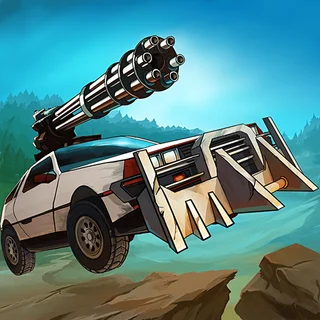
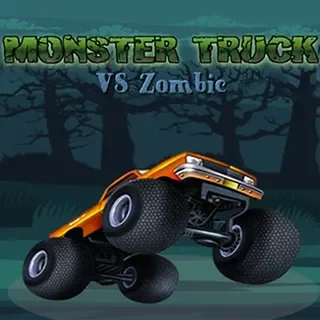
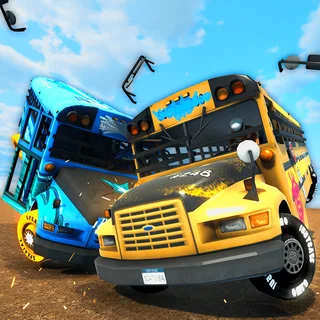
If you enjoy vehicle-based challenges, several companion games on this site offer exciting alternatives. Zombie Derby 2 combines vehicle driving with combat and progressive garage upgrades across post-apocalyptic tracks. School Bus Demolition Derby switches focus to arena impact physics and heavy vehicle collisions. For another obstacle-heavy driving experience, Monster Truck vs Zombie blends oversized tire physics with survival action.
Offroader V5 runs directly in your web browser with no download or setup required, making it an easy pick for quick driving sessions on any desktop or laptop keyboard.
Questions about Offroader V5
Is Offroader V5 unblocked at school?
Offroader V5 runs in an ordinary browser tab from earntodie.org, with nothing to download or install, so it plays on most school Chromebooks and work computers. If a network filter blocks the site, only that network's administrator can change it.
What are the primary controls for Offroader V5?
Use the Up and Down arrow keys or W and S to accelerate and brake, and use the Left and Right arrow keys or A and D to steer and balance your vehicle in the air.
Do I need to install anything to play Offroader V5?
No, Offroader V5 runs entirely inside your web browser with no downloads, extra plugins, or account registration required.
How do you recover if your car flips over in Offroader V5?
If your car tips over, ease off the gas and use the steering keys to shift vehicle balance, or use reverse to wiggle out of steep crevices.